
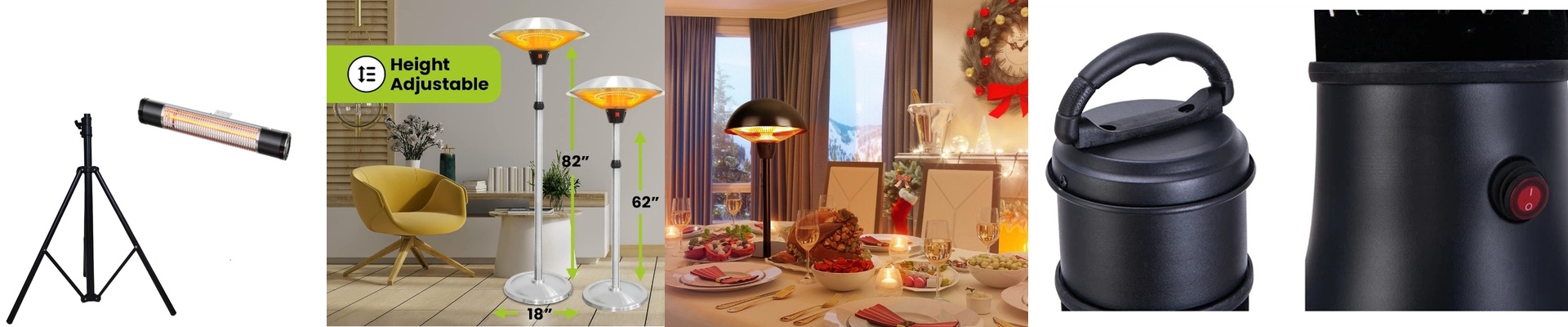
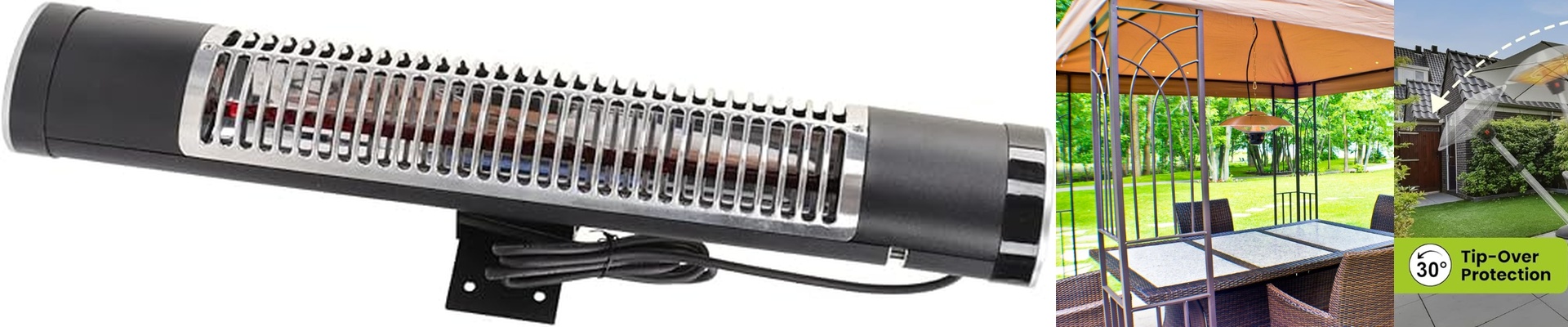
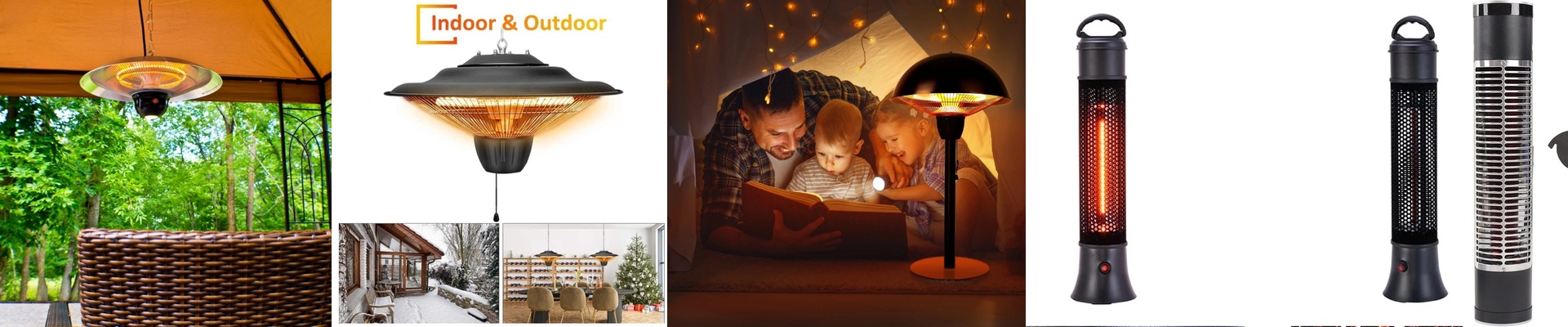
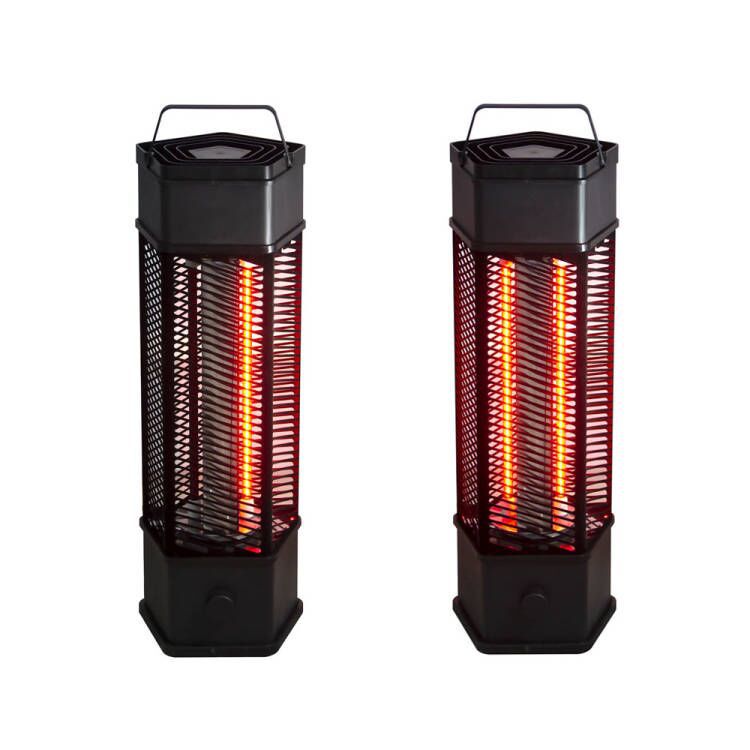
Making Smart Infrared Heating Actually Work
If you’re trying to plug high-wattage infrared heaters into a smart home setup, you’ll quickly realize it takes more than just slapping on a Wi-Fi relay. You need gear that can handle being flipped on and off constantly without just giving up, plus a housing that won’t fry the second things get damp.
Dealing with Moisture and Heat
We stick with IP65-rated elements for a reason. If you’re putting these in a bathroom or on a patio, you’re dealing with steam and condensation. The IP65 rating basically means dust can’t get in and water splashes won’t kill the unit. But here’s the tricky part: when you trigger “one-touch” heating from your phone, the element has to hit top temperature almost instantly. That creates a huge spike in power.**Make sure your wiring is thick enough.**If you skimp on the gauge, you’ll be tripping your breakers every time you try to warm up the room remotely.
That “Instant Spring” Feeling
The best part about infrared is that it doesn’t waste time heating up the air. It hits you—and your furniture—directly. It feels like stepping into a patch of sunlight on a cold day. To make that happen without a long wait, we use high-density filaments. It cuts down the lag, so when you hit “On” in your app, you actually feel the heat right away.
The Catch: Thermal Stress
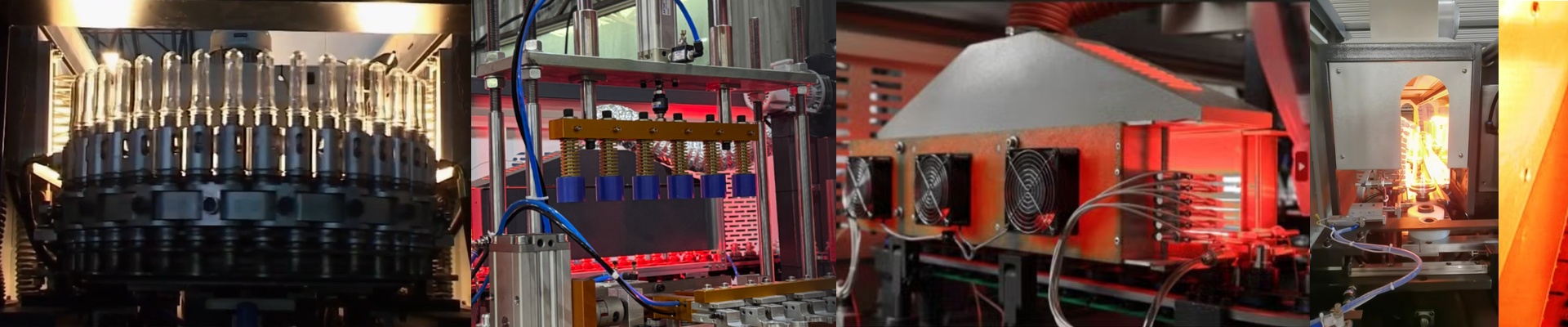
There is a trade-off, though. Rapidly switching a heater on and off puts a lot of strain on the filament. It expands and contracts quickly, which is basically like bending a paperclip back and forth until it snaps. If your smart timer is flicking the power every couple of minutes to keep the temperature perfect, you’re going to kill the element way faster than you should. To avoid this, try using a soft-start relay or a proportional controller. It smooths out the power flow so the filament doesn’t take a beating every time the heat kicks in. Your hardware will last much longer, and you won’t be replacing elements every few months.